This tutorial will show you how to display multiple time zone in Ubuntu 11.10 . By default it comes with calendar ,but you can customize in your own way.
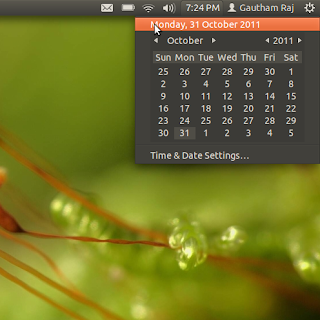

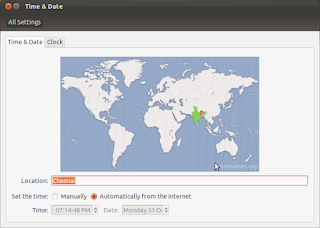
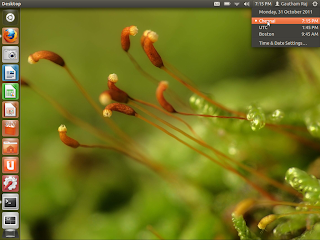

Step 1 : Go to top panel and Navigate through Clock -> Time and date settings .
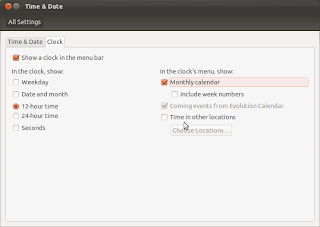
Step 2 : Next you have to disable “Monthly calendar” which is enabled by default in Ubuntu 11.10 , but at the same time you have to enable “Time in other locations” option which is disabled by default.
Before (Which comes by default) :

After Our change :

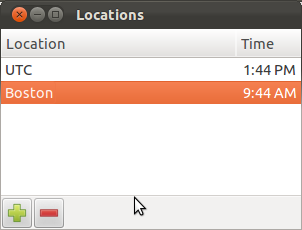
Step 3 : Select “Choose location” where you can add or remove locations . Here i added new location “Boston” to my list .
To add location , click “+” symbol and choose location as per your convenience .

Step 4 : Check your panel again . You can see the difference . That’s it done .

